
Everything From Your COMSATS Portal,
Now In One Modern App.
Access attendance, results, marks, timetable, fee records, courses, assignments and student information from a single, modern interface built specifically for COMSATS Abbottabad students.
- ✓ Attendance Tracking
- ✓ Results & CGPA
- ✓ Assessment Marks
- ✓ Fee Management
- ✓ Course Portal
- ✓ Timetable
- ✓ Assignments
- ✓ Biometric Security
Open source · Free · No account required

See it in action
Every screen you need, in one place.


Features
About Assignly
Assignly is an open-source student portal client built for COMSATS Abbottabad students. It provides a modern interface for accessing academic information directly from the Student Information System while maintaining a fast, secure and mobile-friendly experience.
Student Profile
View your personal academic profile, registration status, and credit hours from a single dashboard.
Attendance
Monitor attendance percentages, lecture records, present counts and course-wise attendance instantly.
Results
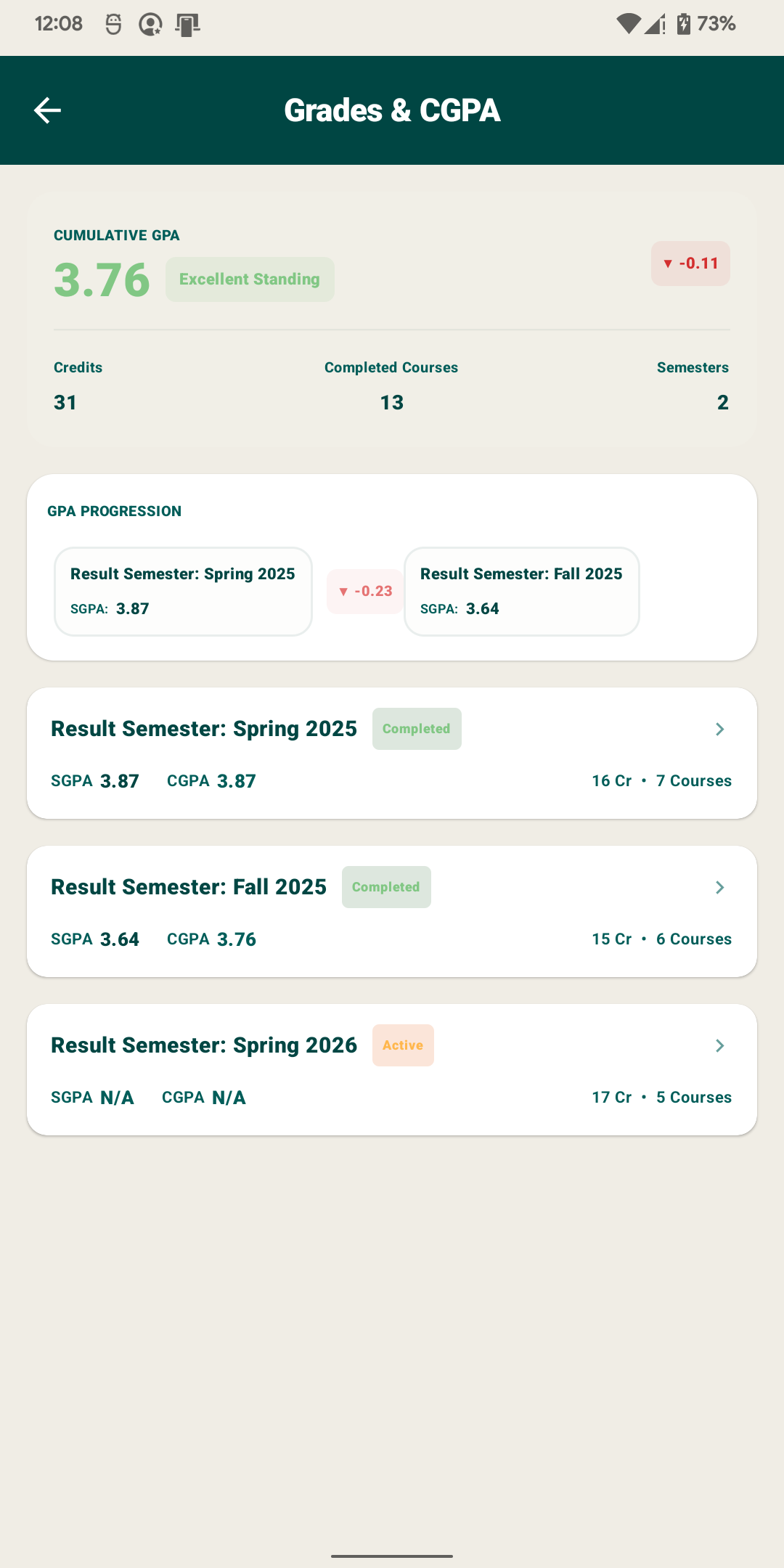
Review semester results, SGPA, CGPA progression and academic standing with detailed semester breakdowns.
Marks
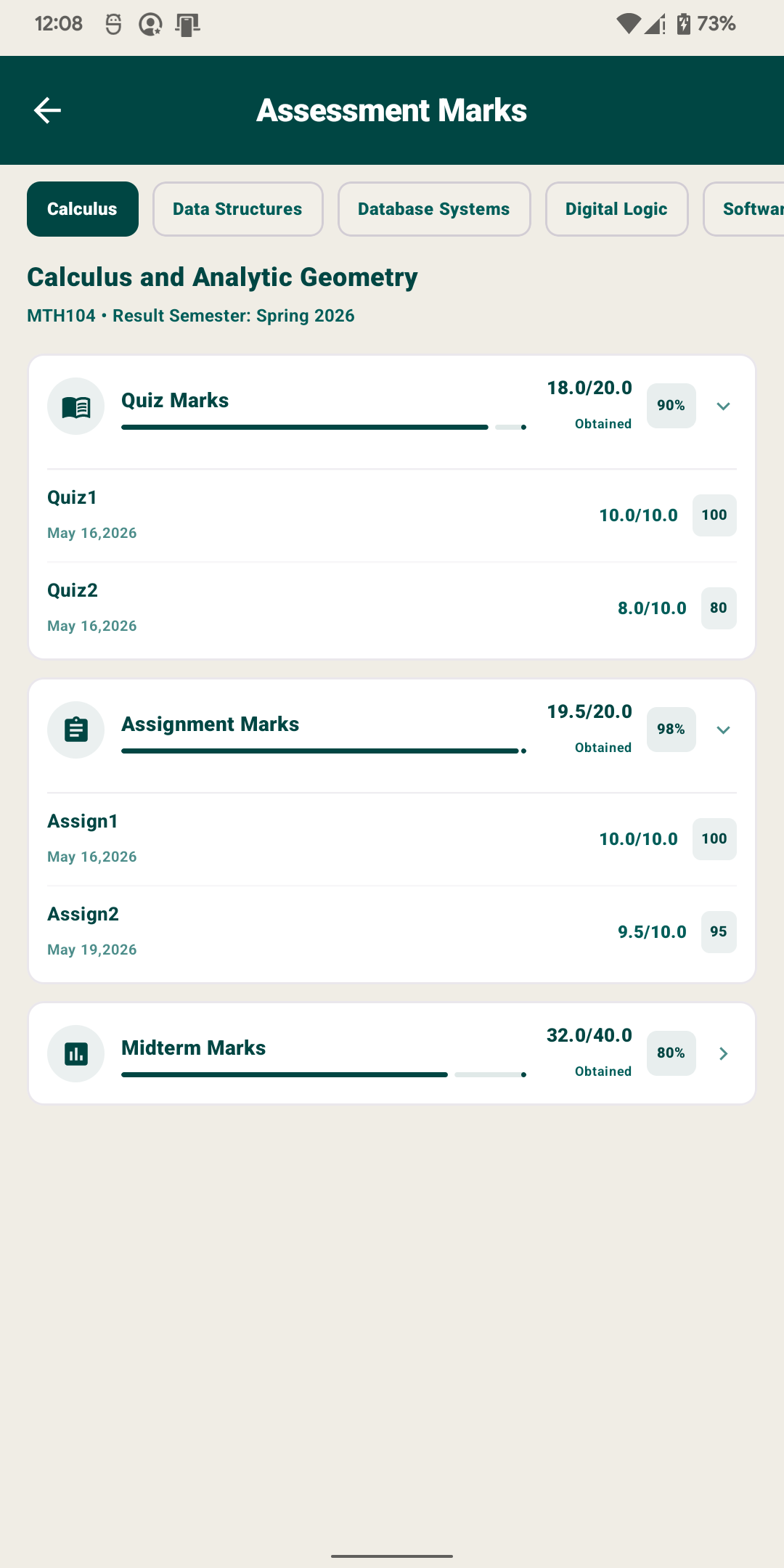
View quizzes, assignments, mids and assessment breakdowns for every enrolled course.
Courses
View enrolled courses, instructors, sections, credit hours and course-specific resources.
Timetable
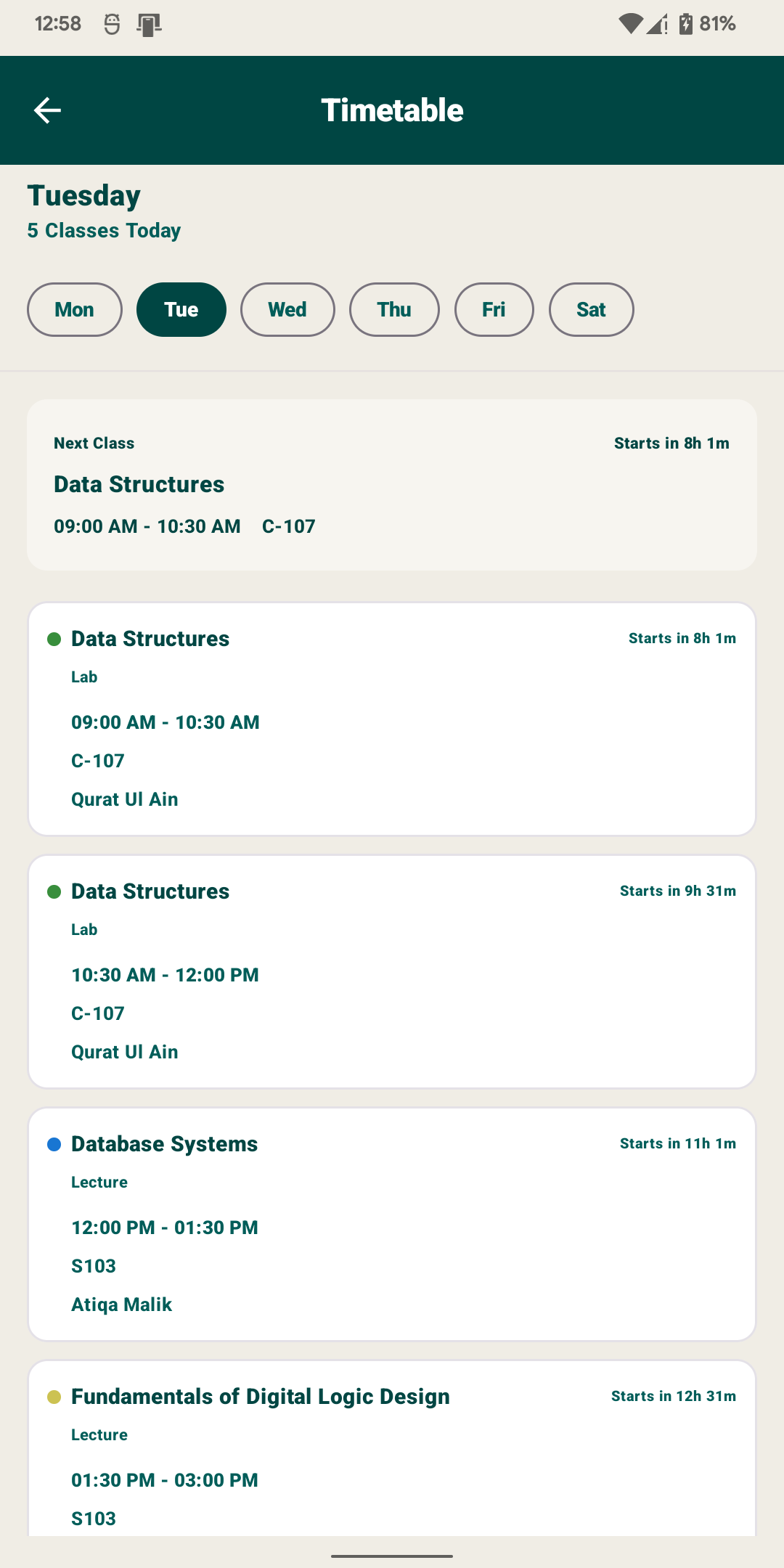
Access your weekly class schedule, instructors, room numbers and upcoming classes instantly.
Fee Portal
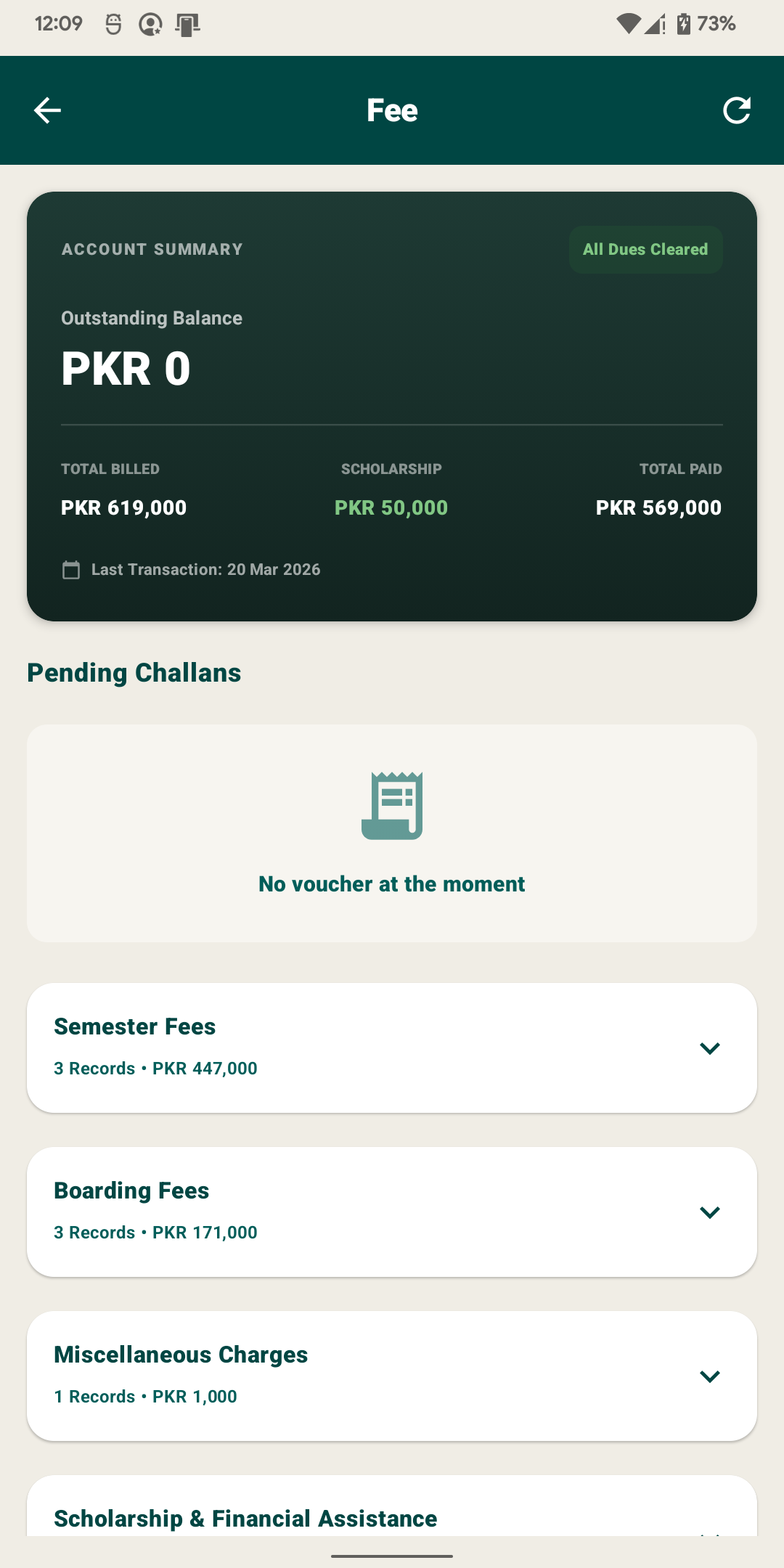
Track semester fees, boarding charges, scholarships, financial assistance and fee vouchers.
Assignments
Track pending assignments, due dates, submission status and course-specific tasks.
Downloads
Save PDF materials, assignment instructions, and lecture slides locally to your device for offline reading.
Biometric Lock
Protect your academic information using fingerprint authentication and secure local storage.
Offline Cache
Synchronizes registered schedules, ledgers, and data for full offline reading anywhere.
Real-Time Sync
Bypass portal loading screens and fetch all your data directly in milliseconds.
Assignly at Your
Fingertips
The COMSATS Abbottabad Student Portal experience rebuilt for mobile. A fast, offline-first client packed with responsive features, secure encryption, and zero loading times.
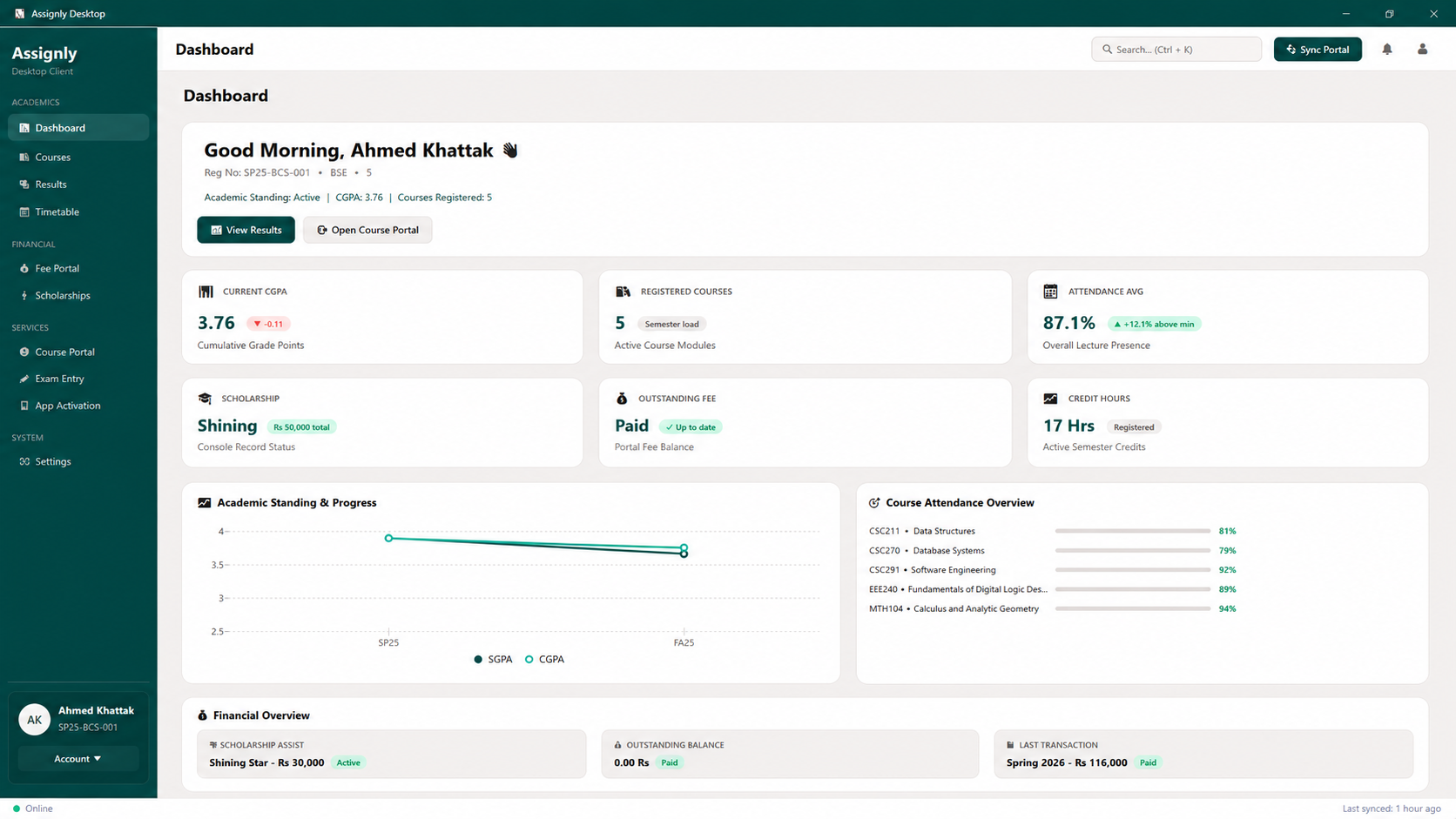
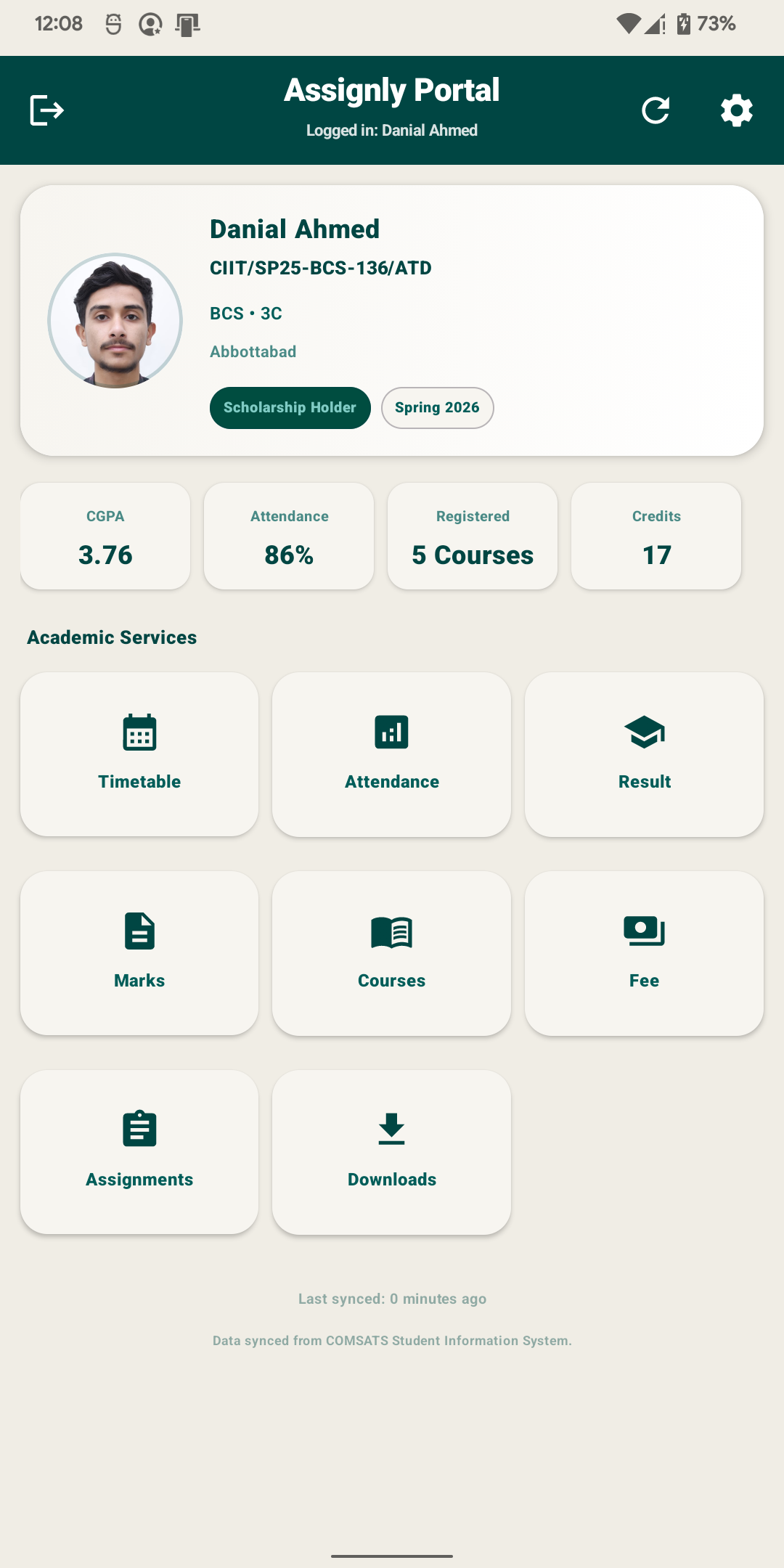
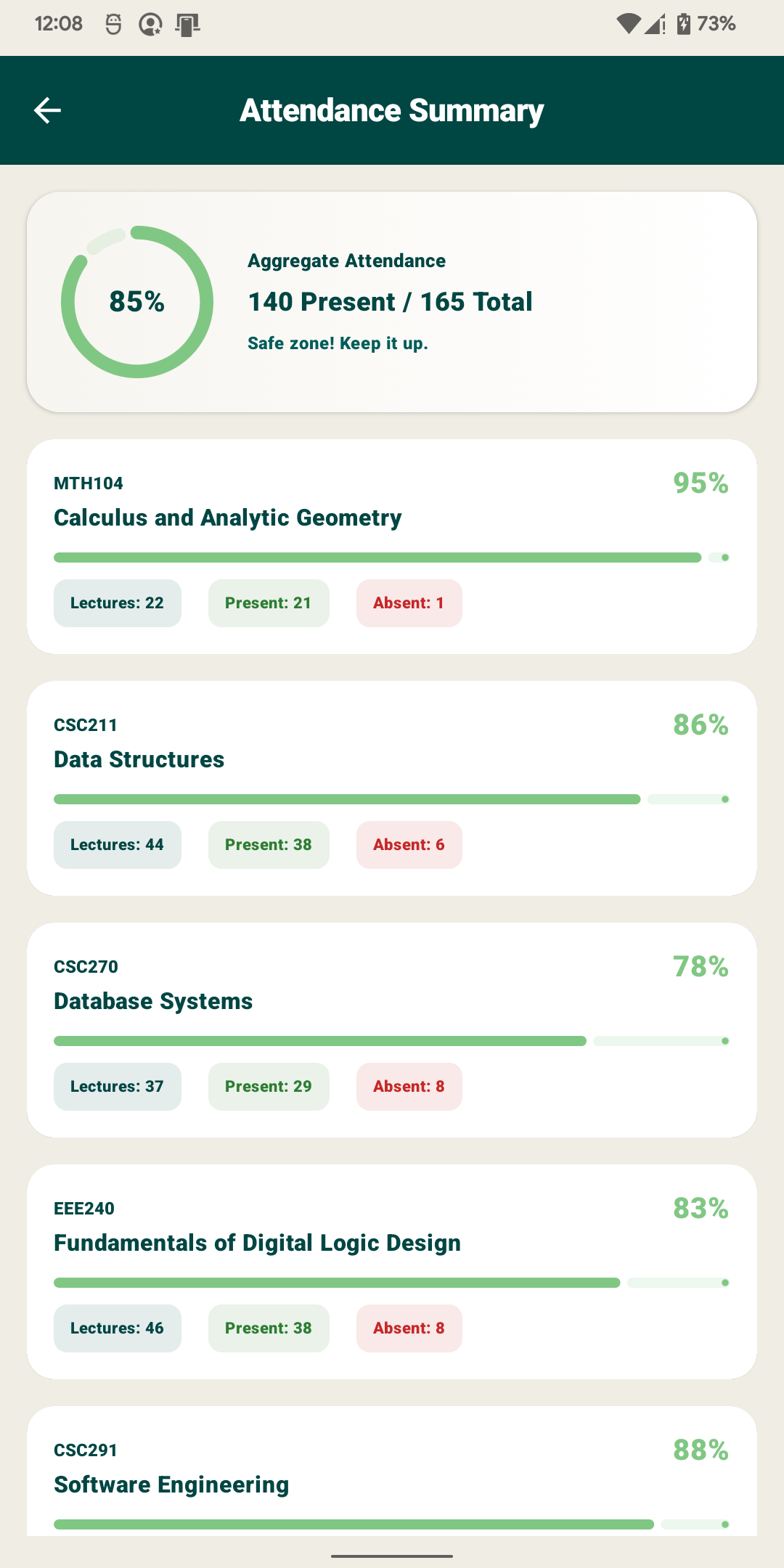
Real-Time Dashboard & Sync Settings
Your academic snapshot in real-time. Review your registered credit hours, attendance alerts, CGPA, and enrolled subjects all from a single home screen. Fine-tune notification triggers and background data sync frequency to fit your study habits.
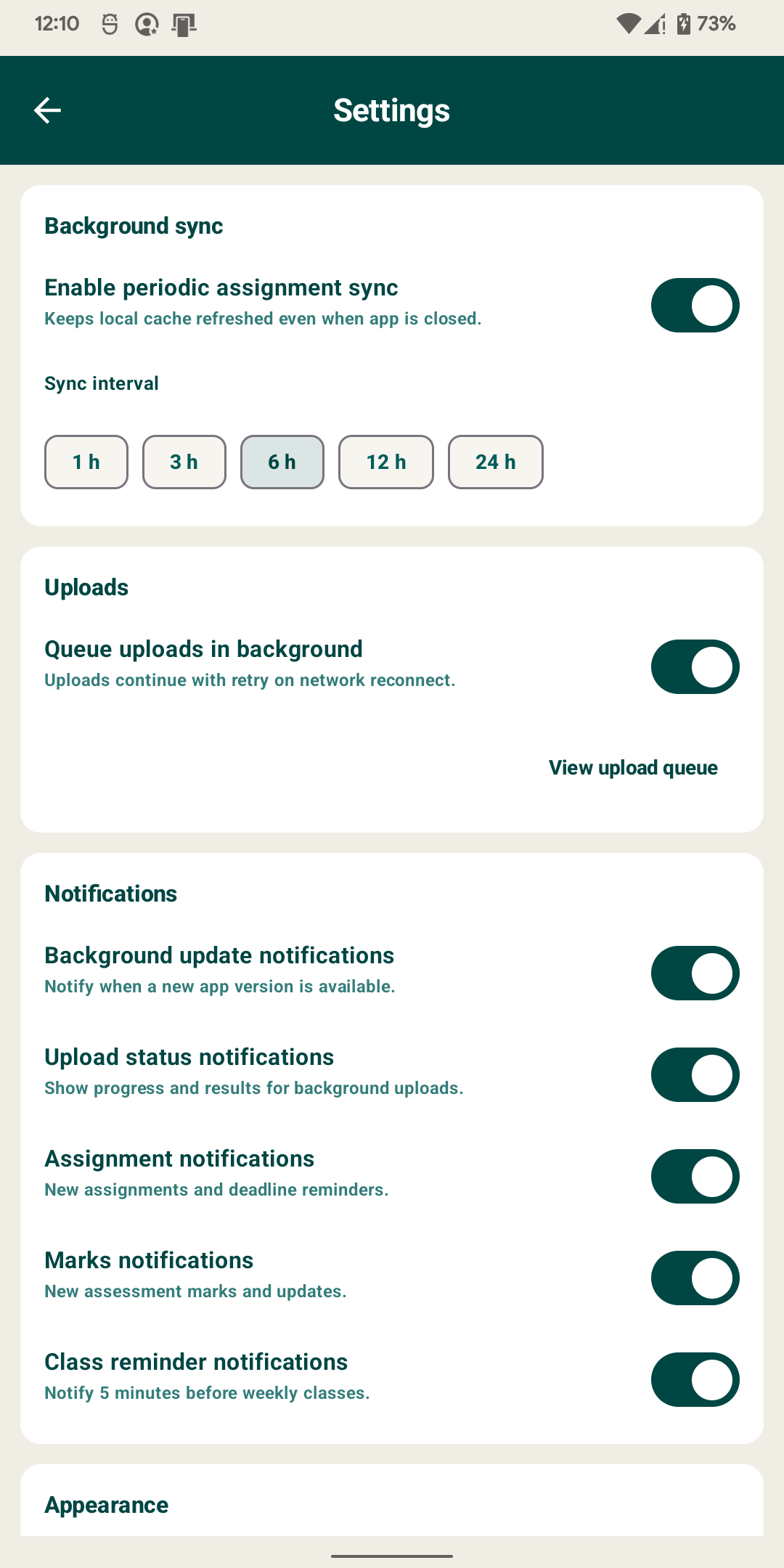
Attendance & Marks Assessment
Monitor lecture summaries, present counts, and percentage limits for each course instantly. Track pending quizzes, assignment weightage, midterms, and assessment marks on the go.
Semester Results & Ledgers
Access your SGPA and cumulative CGPA progression without navigating multiple portal screens. Monitor outstanding dues, boarded charges, payments, and scholarships securely from the ledger.
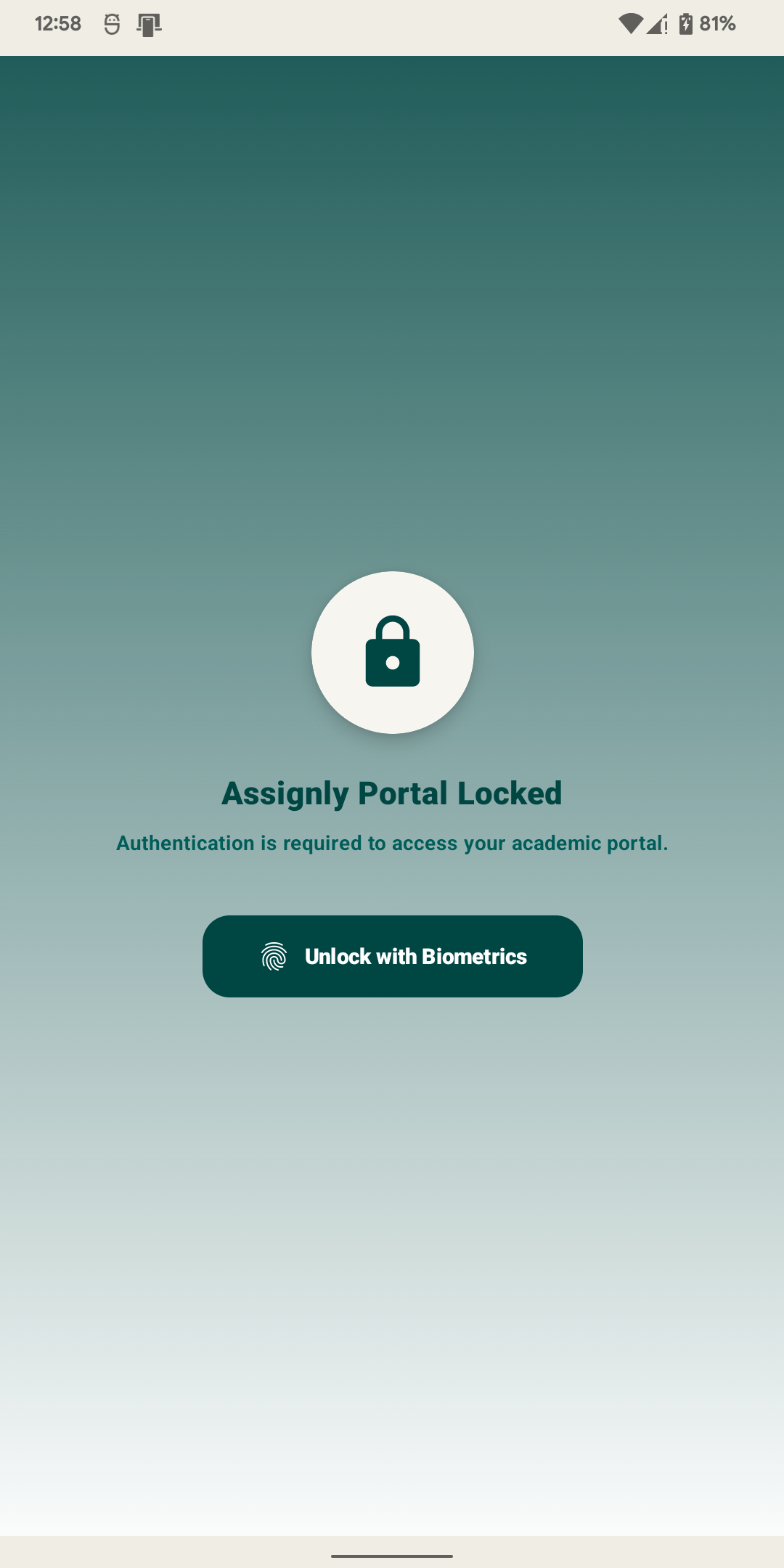
Weekly Timetable & Biometric Security
Check room locations, instructor assignments, and weekly class times instantly. Keep your credentials, challans, and marks cached locally and sealed behind fingerprint biometric authentication.
Ready to experience Assignly?
Access your timetables, results, assessment marks, fee ledgers, course uploads, assignments and biometric locker securely in one place.